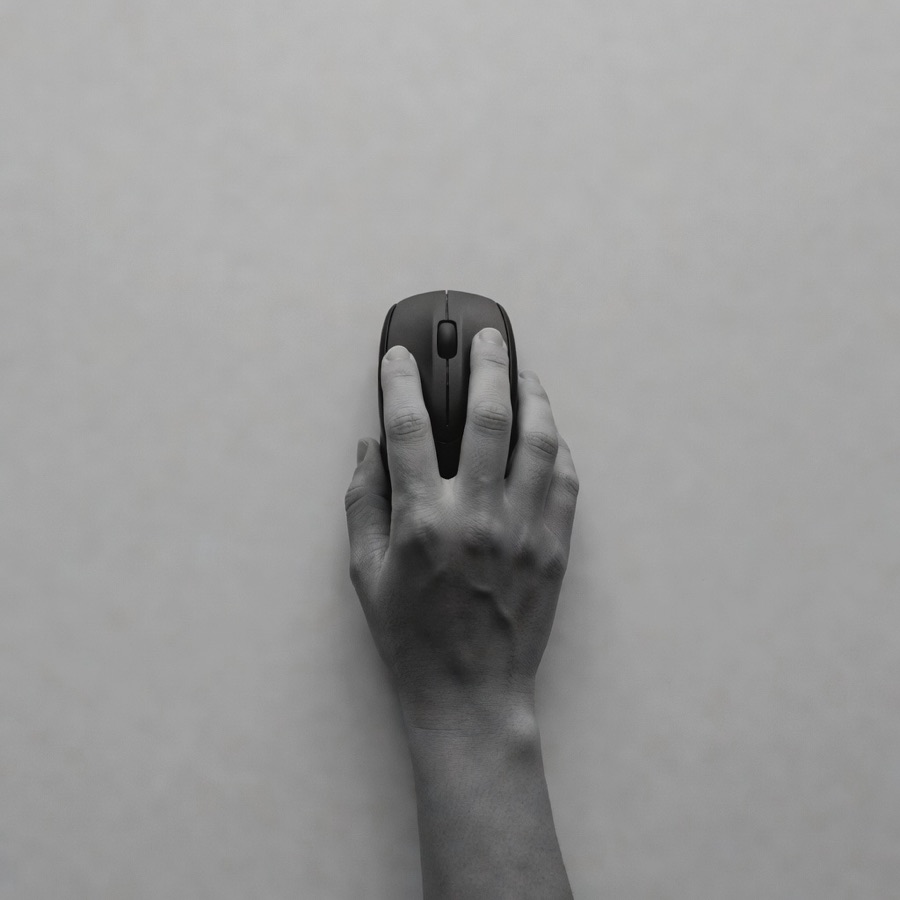
A cursor that moves like a hand.
Cursor turns a screen and a target into mouse motion: go to x,y, click, double-click, right-click, drag and drop. Trained on human recordings, so the path has the acceleration, the overshoot and the correction of a real hand.
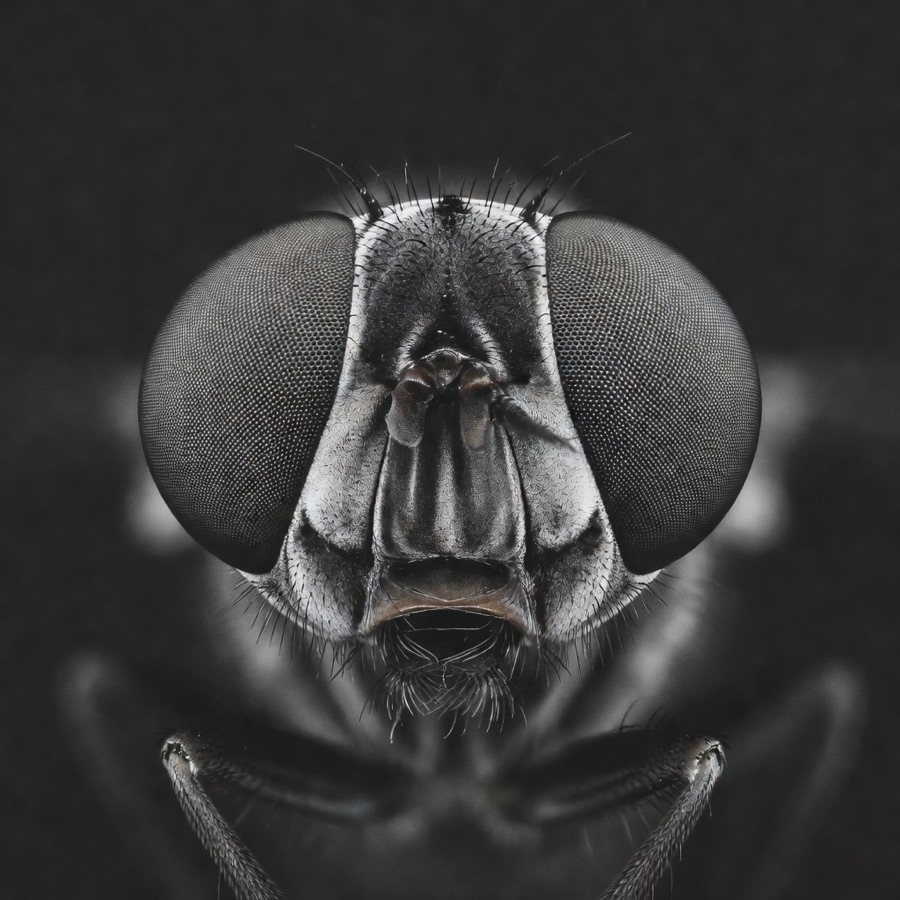
The screen enters the brain the way the world enters a fly: a coarse full-frame view plus a foveal window around the cursor, mapped onto the visual afferents. The current cursor position and button state arrive as proprioception. The target arrives as a marker, or as an embedding from a language co-processor when you say "click Save".
Motion leaves through the descending neurons. A small decoder reads them at 100 Hz into dx, dy and three button states. Double-click, right-click and drag are not separate actions: they are temporal patterns the recurrent brain learned.
On target in 0.6 seconds.
On a Fitts-law grid of 1,000 targets, Cursor reaches the target in 0.6 s median and lands the click 97% of the time. Trajectories match human recordings on velocity profile and endpoint variance.
target Figures marked "target" are design targets for the first release, not measurements.
Same brain, its own wiring.
Input adapters occupy afferent regions, output adapters read efferent ones. Co-processors feed in through the embedding port.
- FlyCore v0.1.0
- weights v0.1.0
- screen (fovea + overview)
- cursor state
- target marker
- mouse (dx, dy, buttons)
- Intent (optional)
import flycore
brain = flycore.load("flylabs/cursor") # engine + weights + adapters
agent = brain.attach(screen=flycore.io.Screen(), mouse=flycore.io.Mouse())
agent.go(target=(842, 310), action="double_click")
# agent.trajectory -> [(t, x, y, buttons), ...]Move, click, drag. Like a hand would.
UI test automation
Drive real interfaces the way users do, including the mistakes: hover states, drag thresholds, double-click timing.
Assistive input
Map a joystick, a gaze tracker or a single switch to a full mouse, with the brain filling in the motion.
Game and simulation agents
Point-and-click agents that look believable on screen and stay inside the rules of the game.
- Not for evading bot detection. Cursor is licensed for interfaces you own or are authorised to automate.
- The target must be given. Cursor moves to a marker or an embedding; finding "the Save button" from a description needs the Intent co-processor.
- Screen resolution is coarse. Targets under 8 px on a 4K screen need the foveal window enabled.
- Desktop only in 0.1. Touch and pen input are on the roadmap.